Jobs and job items form the foundation of all other functionality in the system.
A job represents a single order or commercial unit of work. It acts as the top-level container for one or more job items.
Each job includes:
A unique job ID
A job reference, such as an invoice number, estimate number, or order reference
An associated company and contact
A created date
The job reference is used throughout the system to identify the order and may be displayed to customers.
Jobs do not carry artwork directly. All artwork and production activity is handled at the job item level.
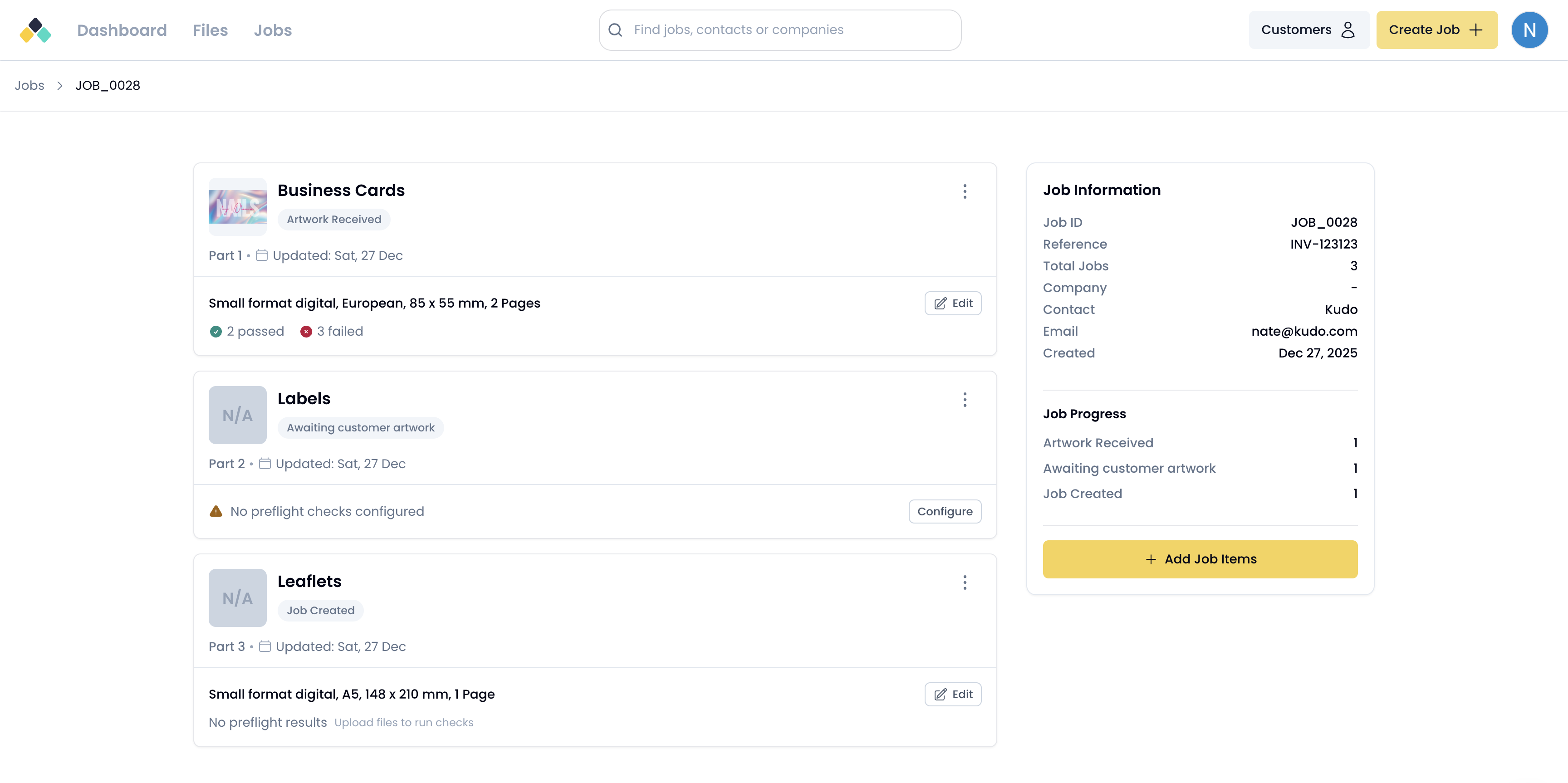
Job items represent the individual products or line items within a job.
A single job can contain multiple job items, allowing multi-product orders to be managed together under one reference. For example, a job may contain separate job items for posters, leaflets and labels.
Each job item exists independently within a job and has its own lifecycle state.
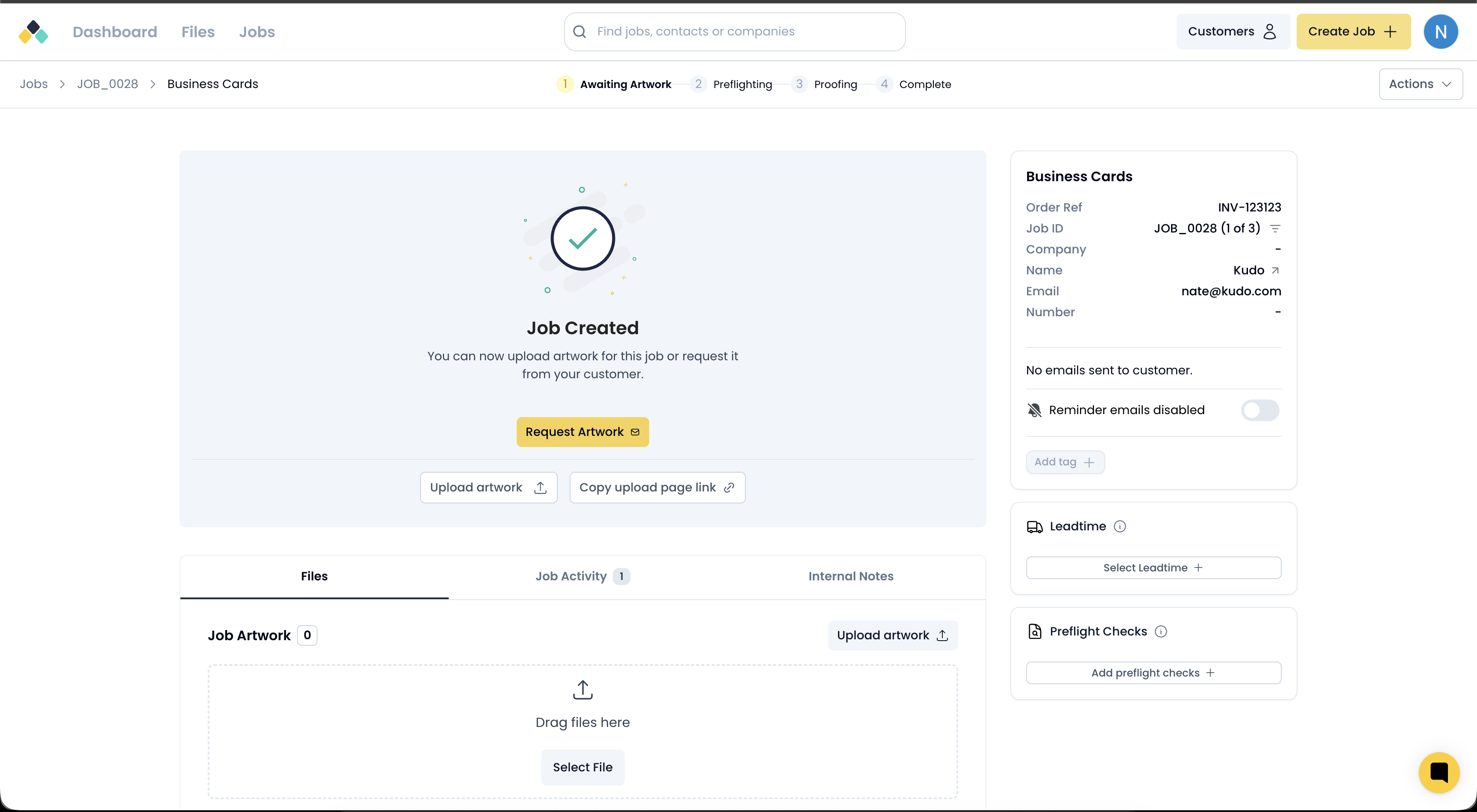
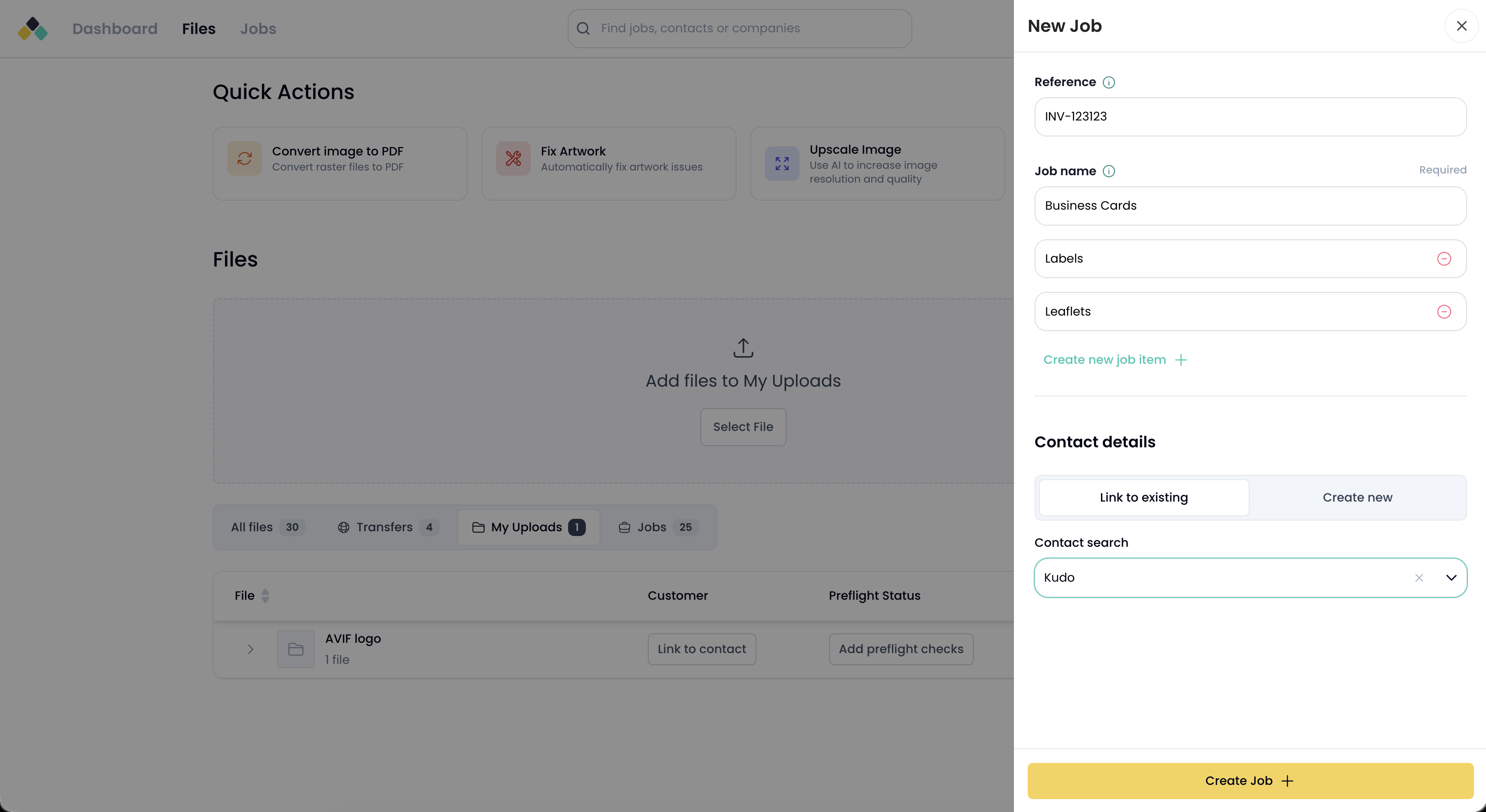
Jobs can be created in two ways:
Manual creation within the application
Programmatic creation via API or integrations
When creating a job, a reference is assigned and one or more job items are added. Additional job items can be added to an existing job later if required.
Jobs themselves have a minimal lifecycle. A job exists to group related job items under a single order reference.
A job remains active while it contains active job items. Jobs are not cancelled or archived independently of their job items.
Each job item progresses through a defined set of lifecycle stages that represent its current state in the prepress process.
Lifecycle state is tracked at the job item level and may differ between job items within the same job.
A job can contain multiple job items
Each job item has its own lifecycle
Job progress is derived from the state of its job items
Job references provide a shared identifier across all related job items
This structure allows complex, multi-product orders to be managed clearly while preserving independent tracking for each item.
